You can make clean product images without a studio, a photographer or a lighting kit. Generate a scene from a prompt, or start from a photo of the real product and change what is around it. Then finish with the tools: cut out the background for a store, and upscale the shot you will publish.
Real product or generated one?
If you sell a real product, it has to look like the real product. Start from your own photo and use a model that edits an image you upload, so the shape, the label and the color stay true. If you are making a concept, a mood board or an ad idea, a fully generated product is fine. Keep labels plain or blank in that case, so you never imply a real brand.
Take a usable source photo
- Shoot in daylight near a window, with the light from one side.
- Use a plain background with some space around the product.
- Keep the product sharp and the whole thing in frame.
- Shoot straight on or slightly from above, the angle you want in the final image.
A phone camera is enough. The model needs a clear view of the product more than it needs a high resolution file.
Describe the scene, not the product
When you edit a photo, the product is already there. Spend your words on the surface, the background and the light. Name a material for the surface, a color or setting for the background, and one light source.
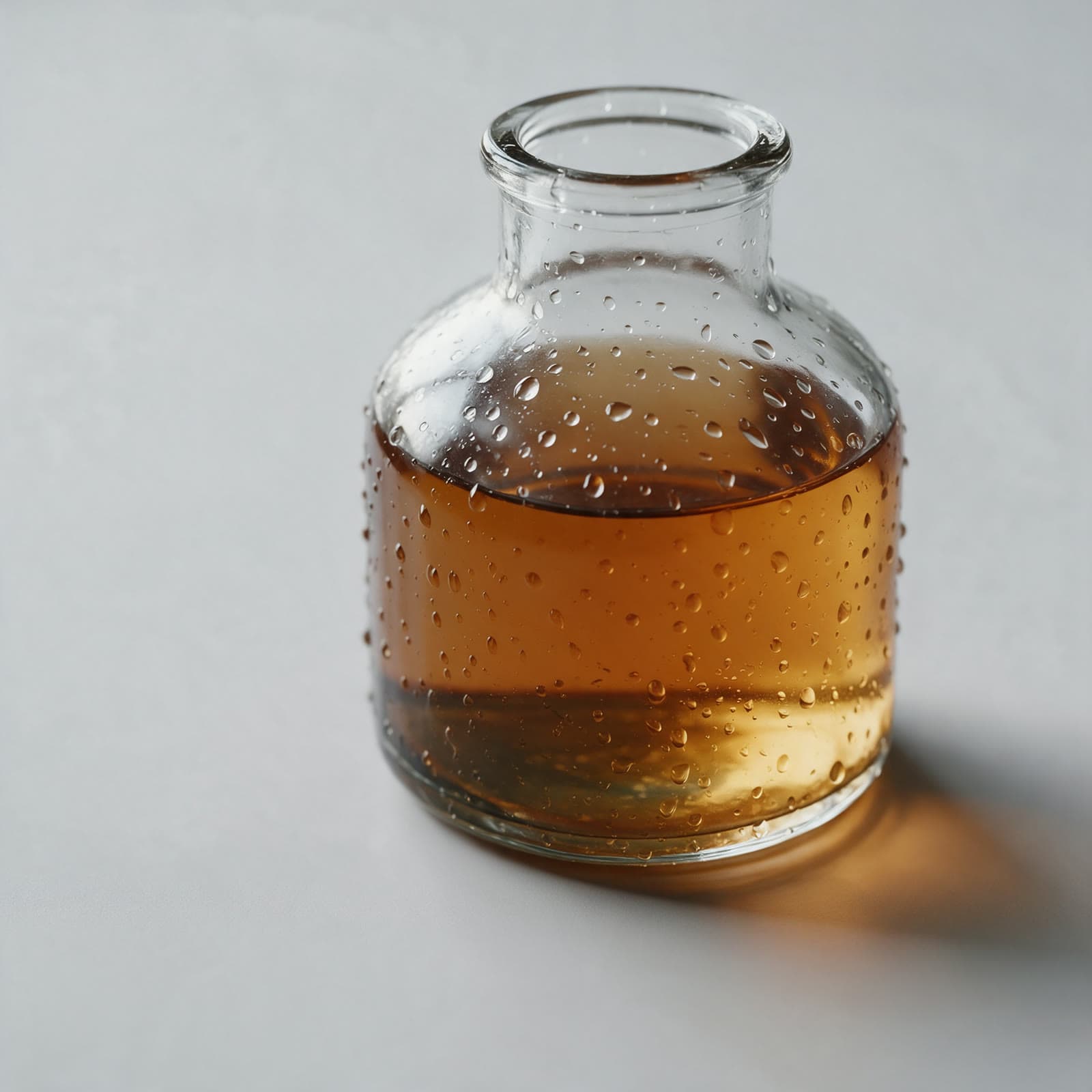
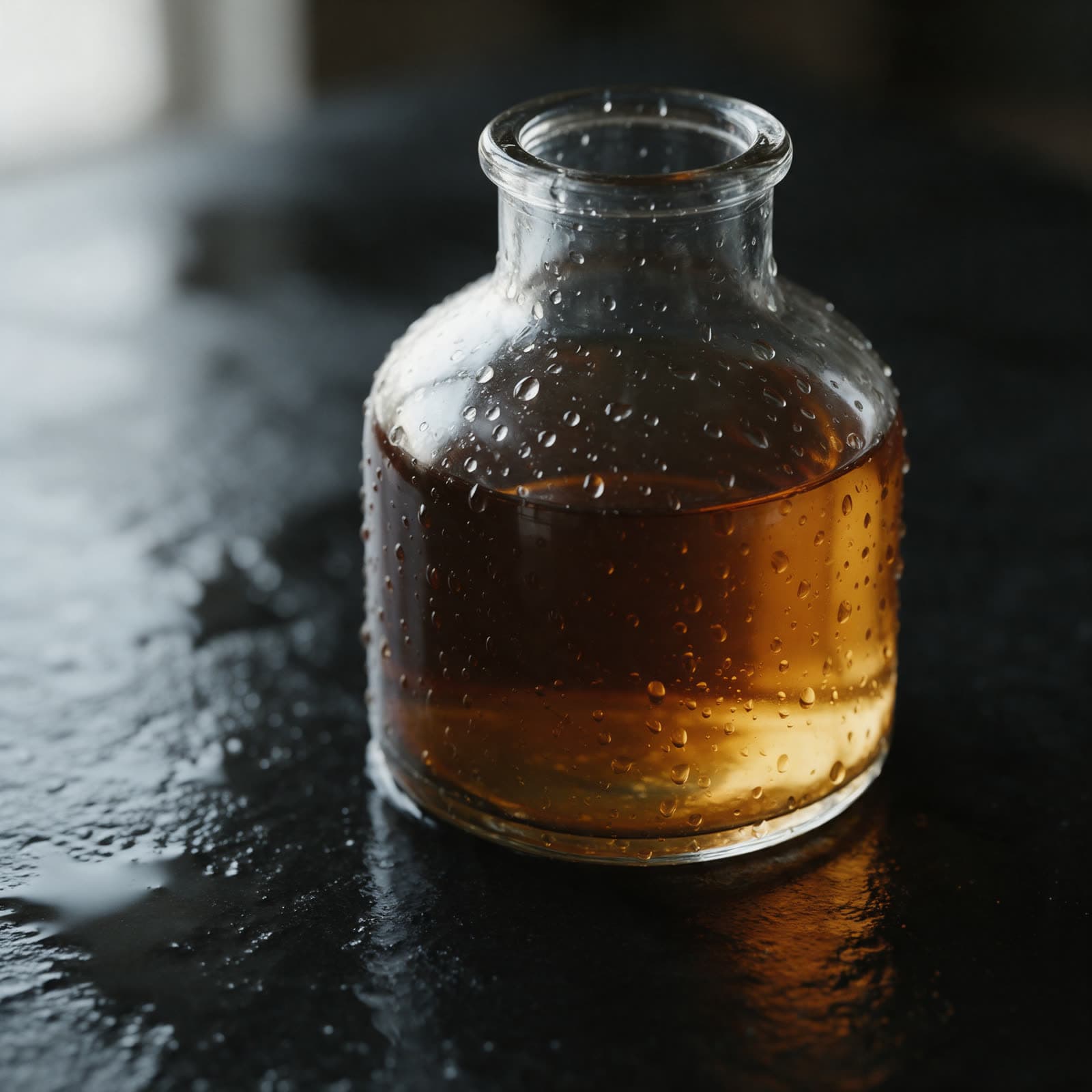
Unlabelled clear glass bottle with amber liquid on wet black stone, water beads on the glass, one soft window light from the left, dark background
Use the product presets
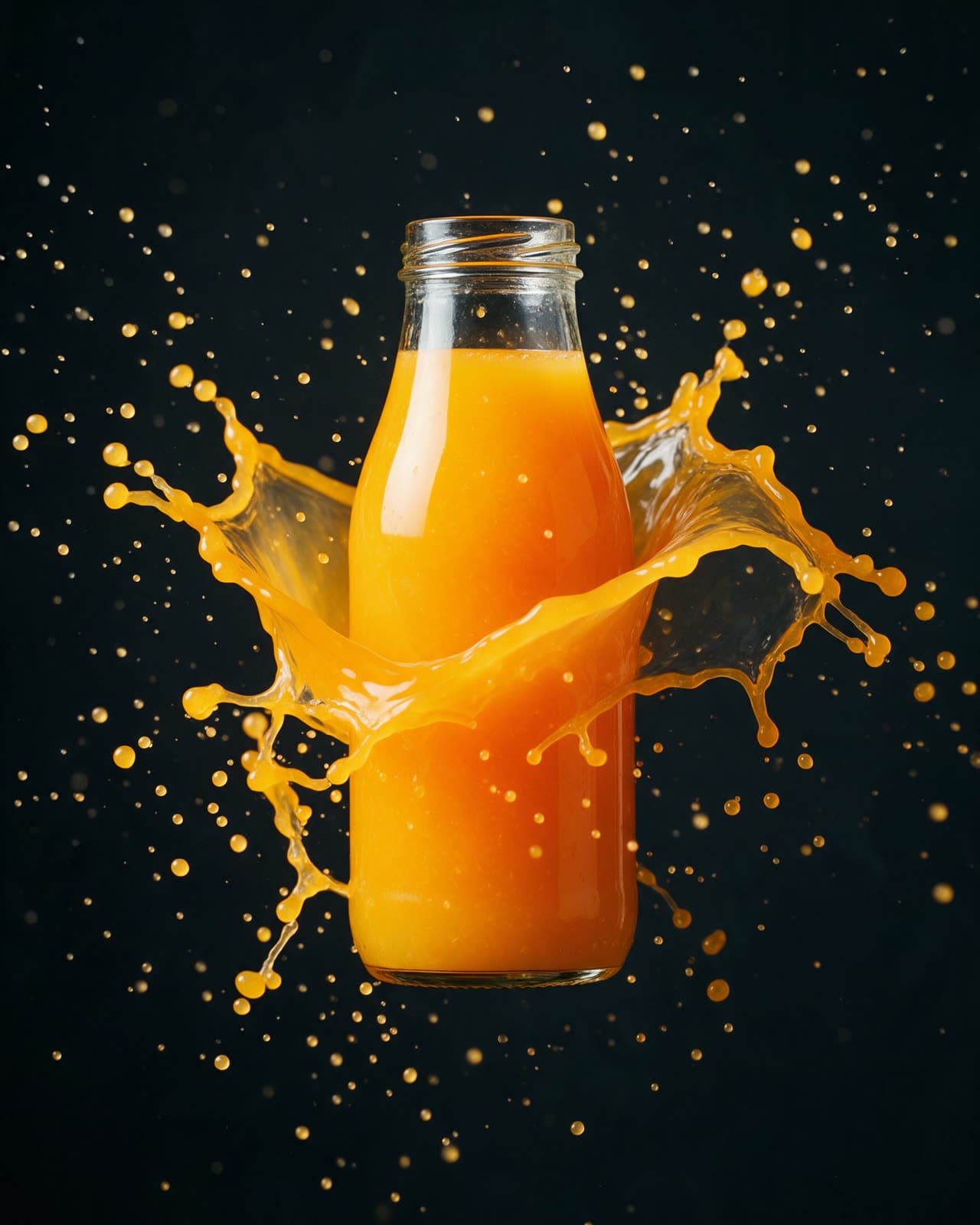
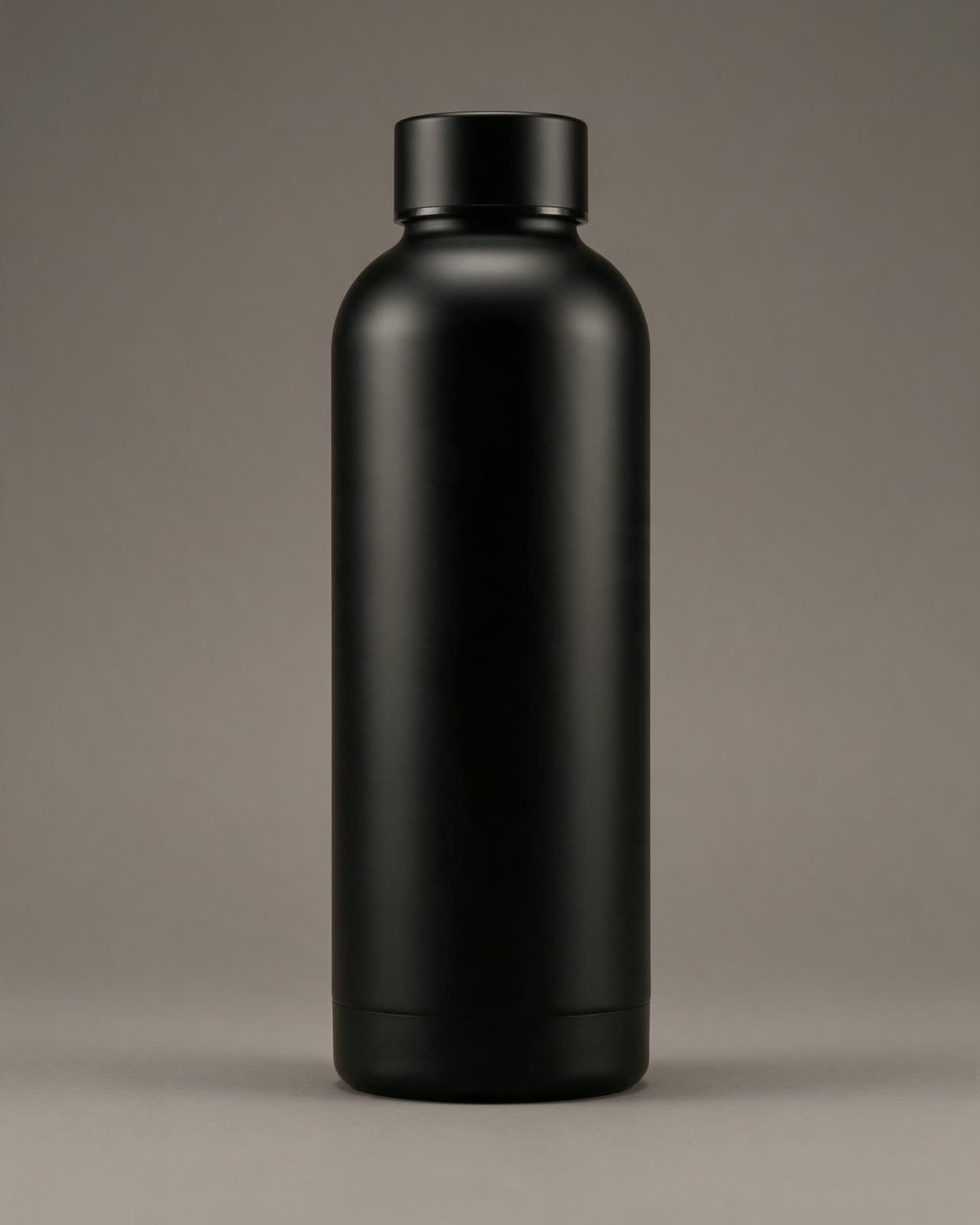
Three presets cover the most common product looks. Studio packshot gives a clean, evenly lit shot on a plain backdrop, the kind most stores use. Floating product lifts the object into the air with a soft shadow below, which suits ads and launch posts. Liquid splash adds a burst of liquid around the product for drinks and cosmetics. Type what the product is, and the preset fills in the rest.
Cut it out for your store
Most stores want the product on a clean, plain background. Run the remove background tool on your best result and you get the product cut out on a plain backdrop, ready for a product page, a collage or a thumbnail.
Upscale last
Generate at the default size while you explore. When you have the one image you will publish, run the upscale tool on it. You get a larger, sharper file for zoom views, print or a hero banner, and you pay for upscaling only once.
Keep it honest
Generated scenes are great for mood and context. If the image is used to sell a real product, the product itself must look the way it really is: same color, same size, same details. Customers notice, and in many places it is also the law.