
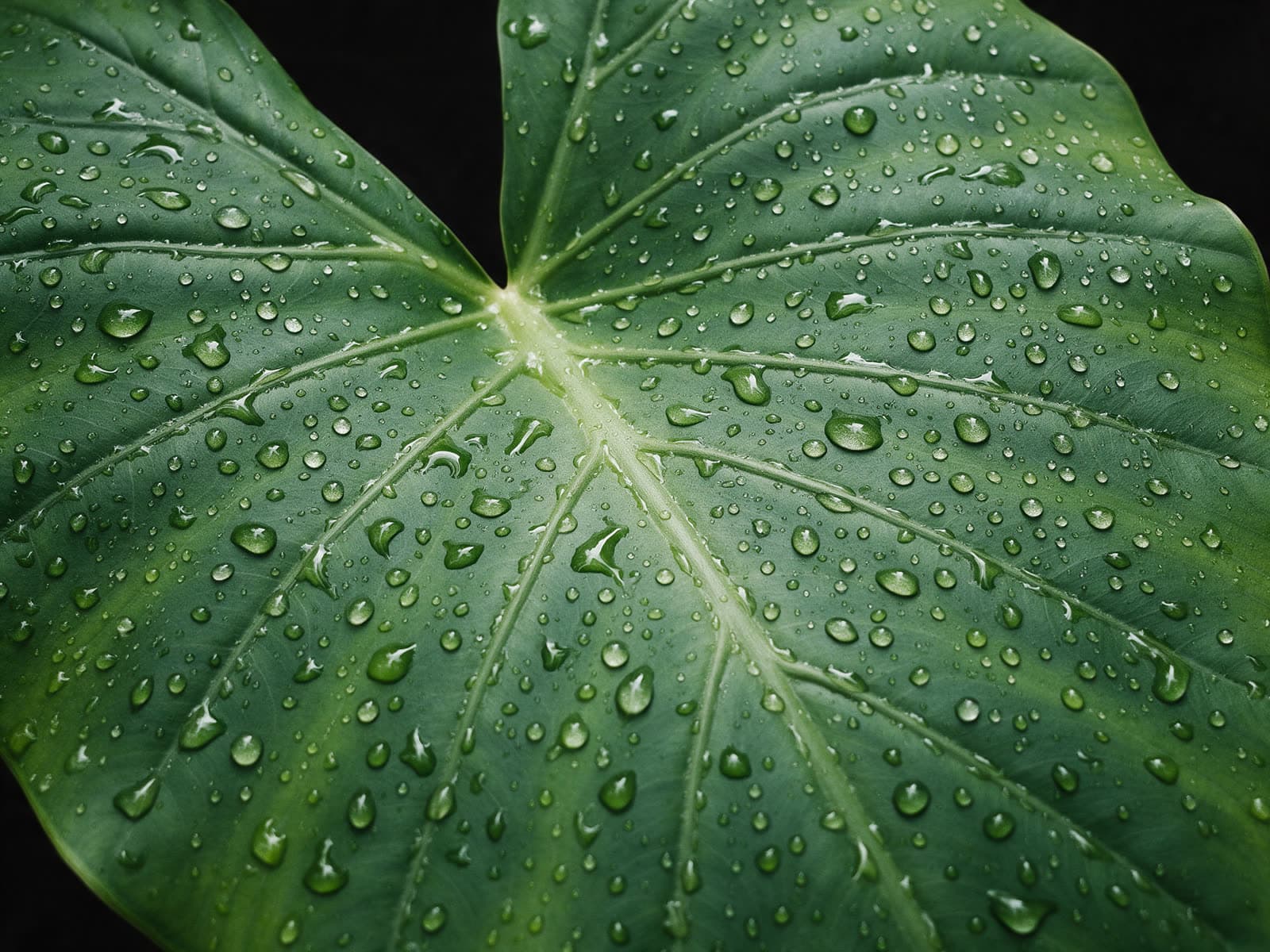
 PopularSample output
Tools
One job, done well
Upscale, cut out, expand, relight, restyle and extend. Upload a file, run one tool, compare and download.
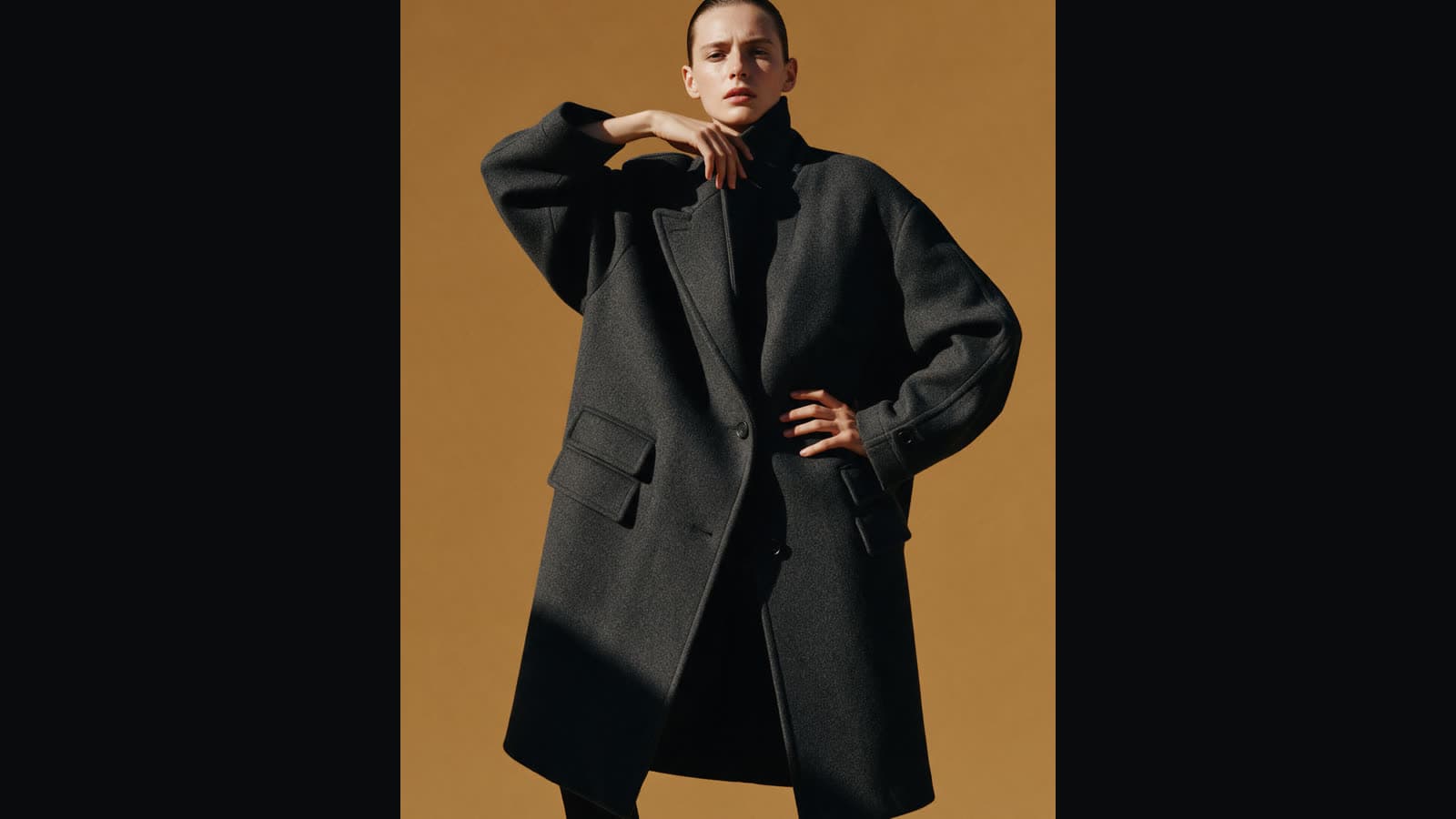
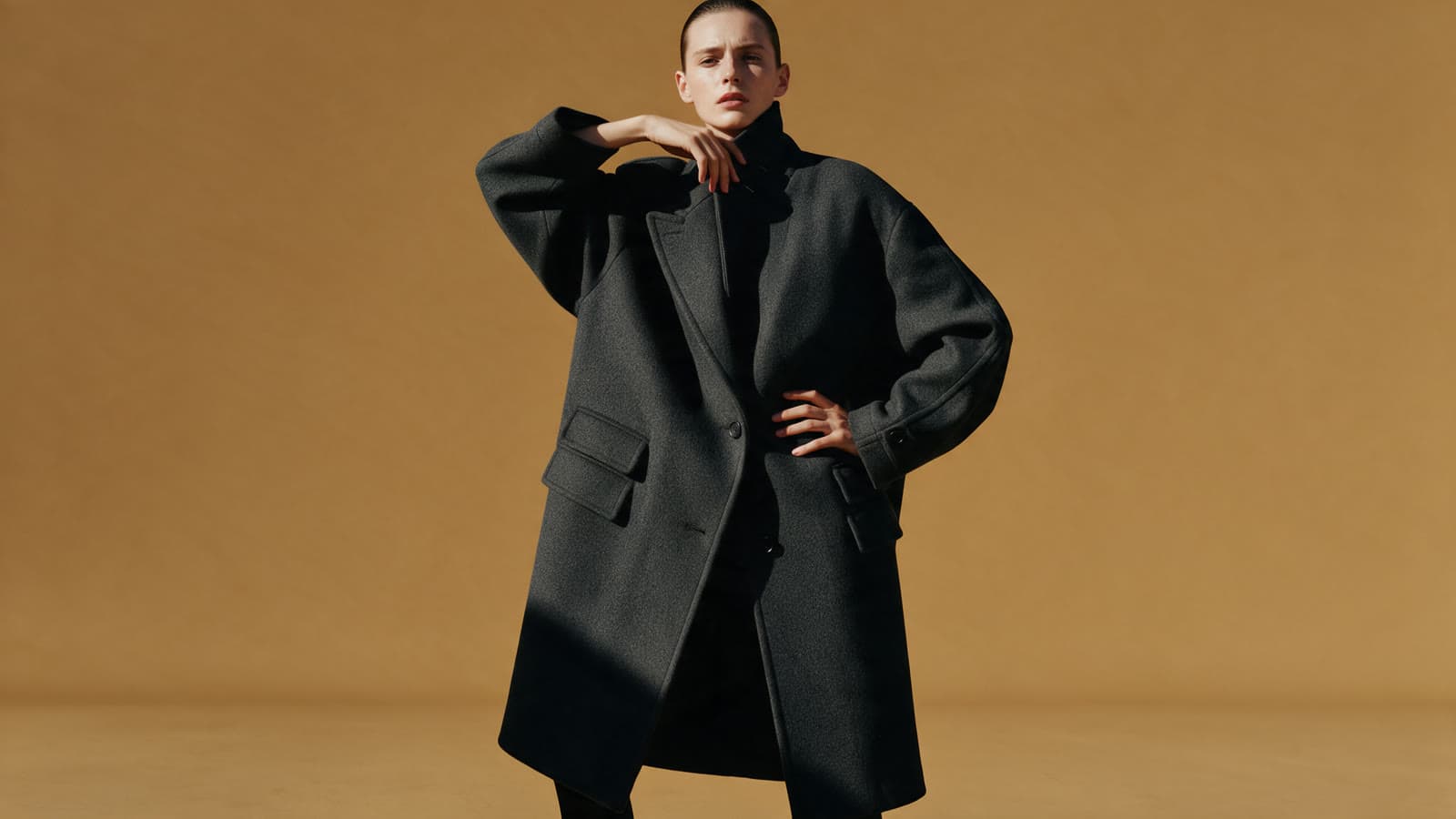
5 image tools
Image tools
Upload a picture. Get it larger, cut out, wider or lit differently.
- PopularSample output
 PopularSample output
- Sample output
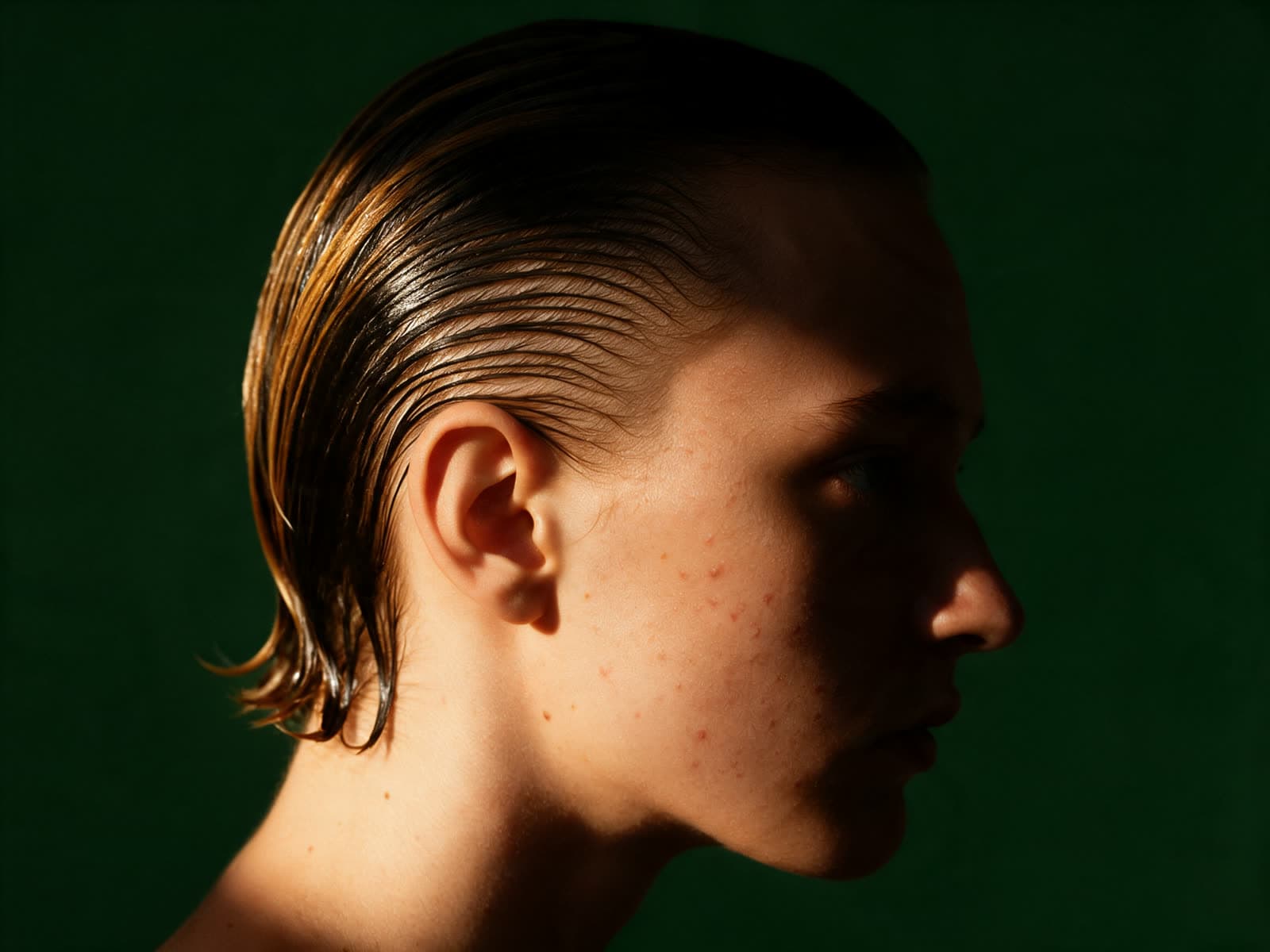 NewSample output
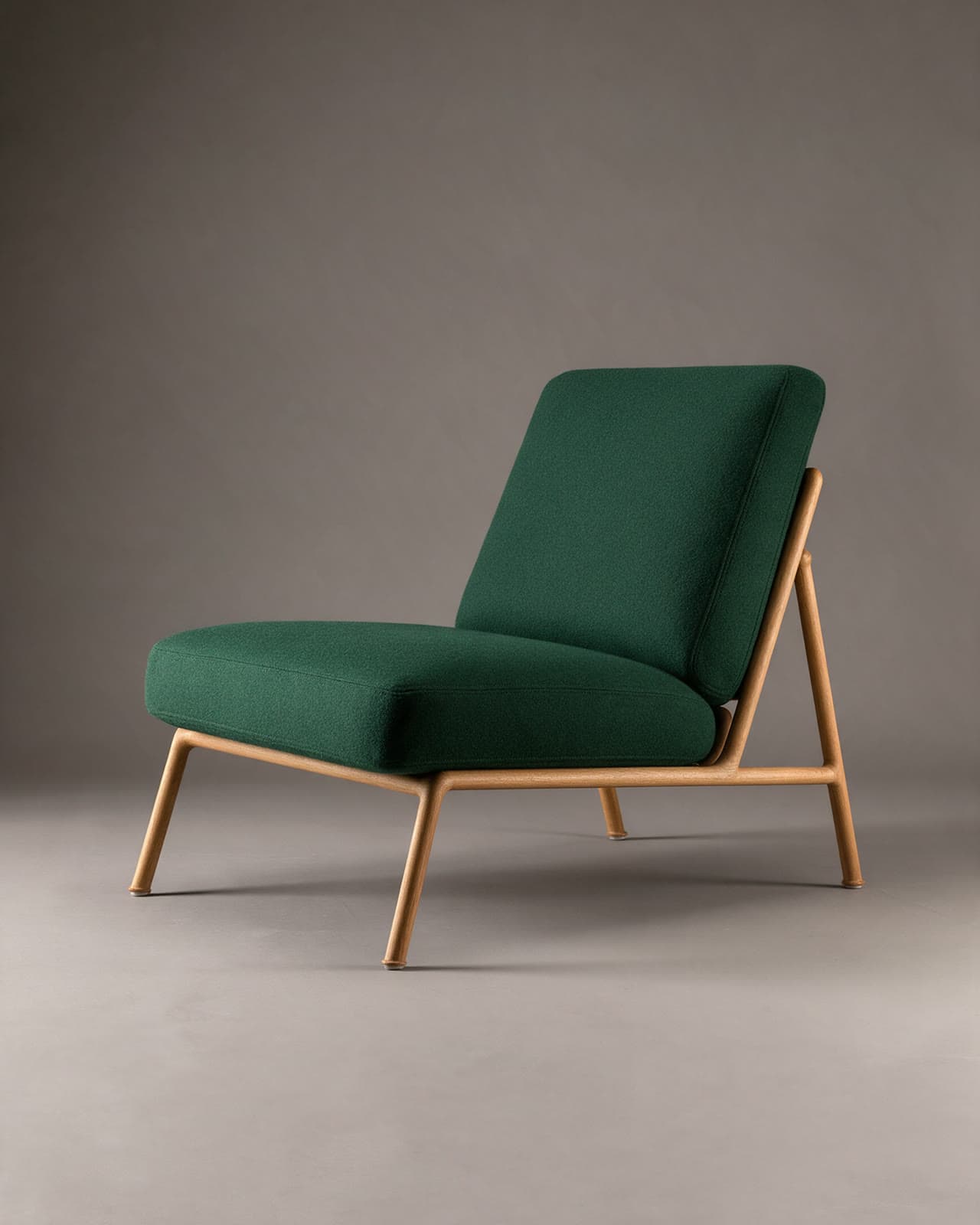 Sample output
4 video tools
Video tools
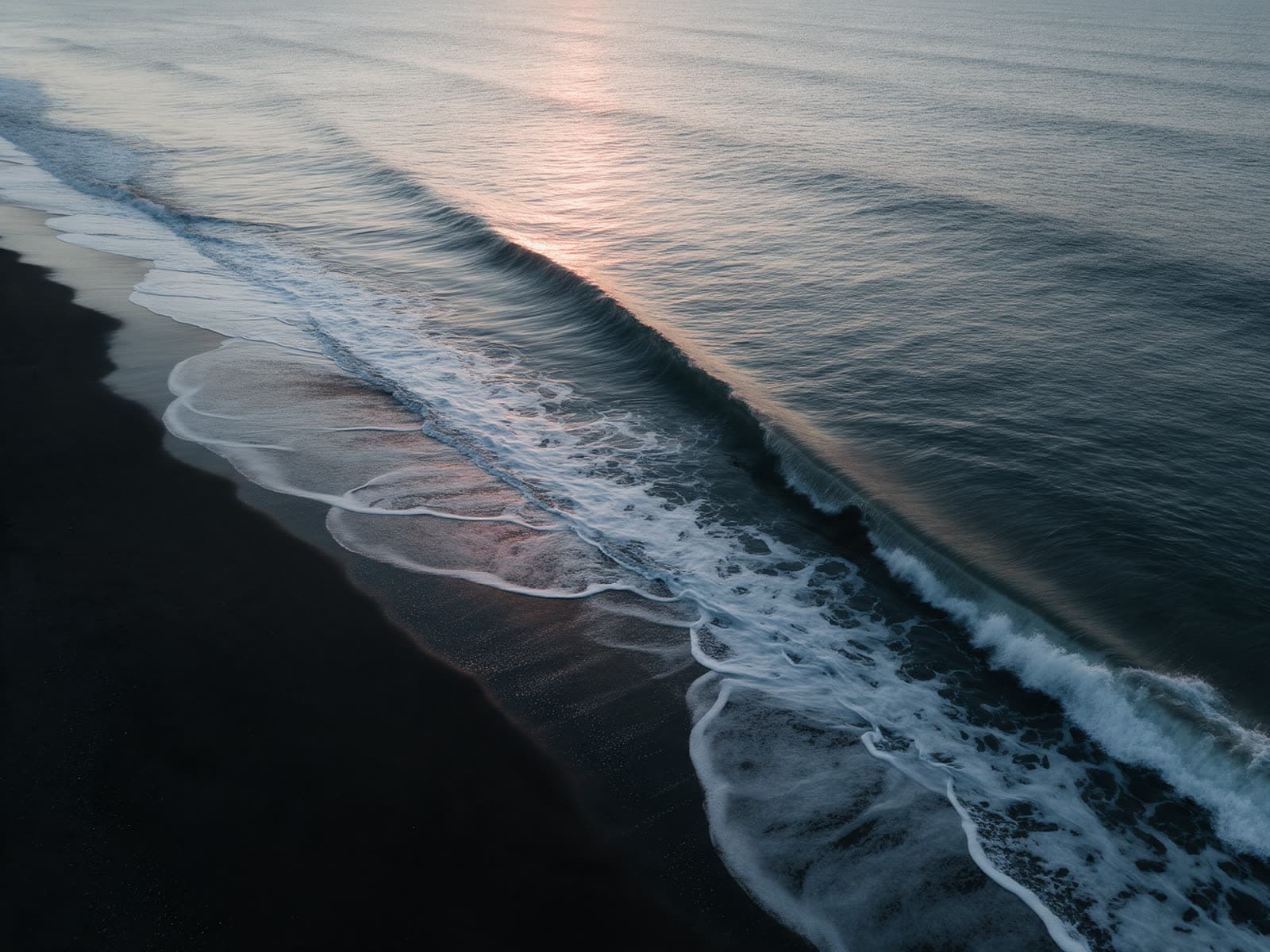
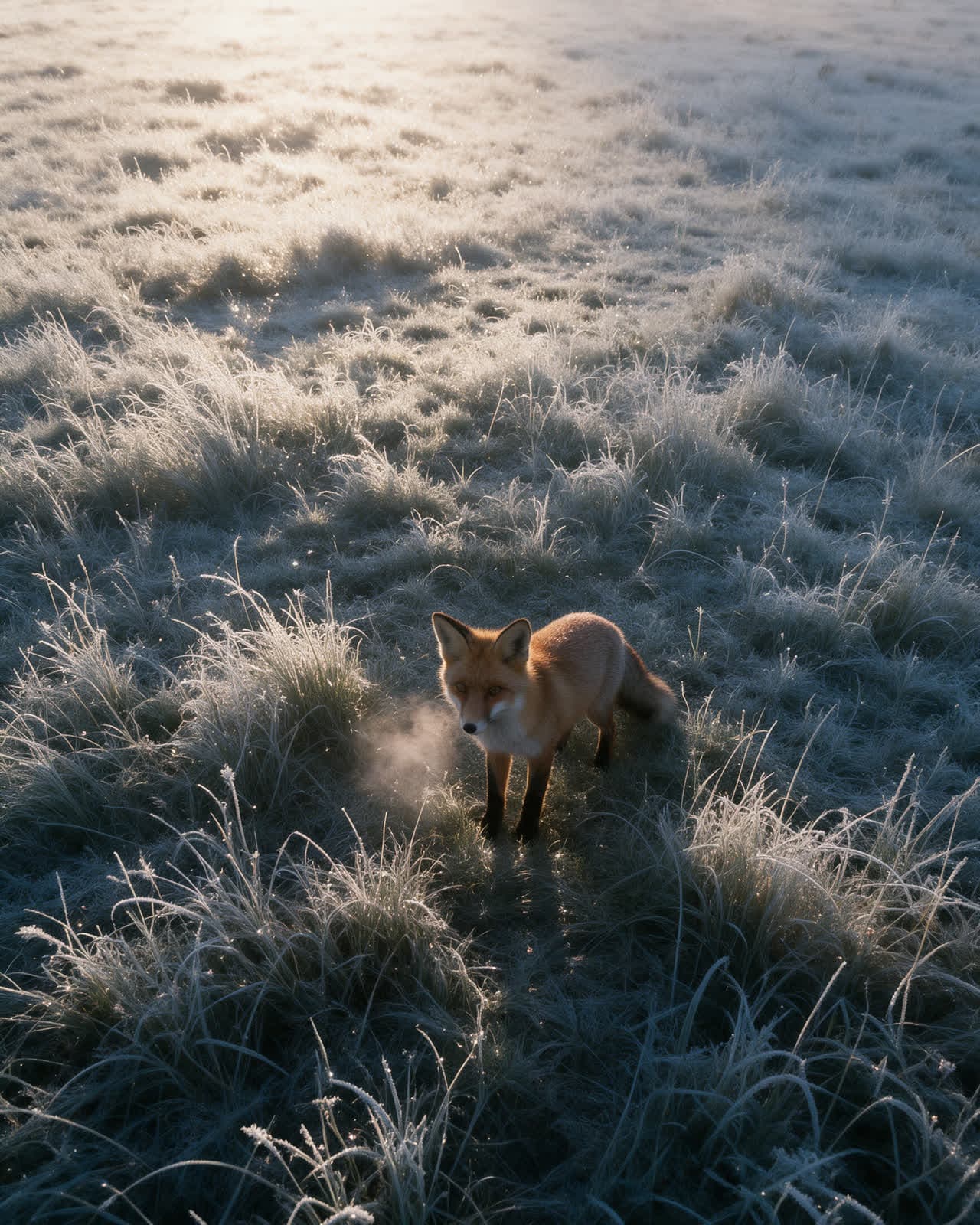
Upload a clip or a portrait. Get it sharper, restyled, longer or speaking.


How it works
Three steps, every tool
- 01
Upload
Drop in an image or a clip. The preview stays on your device.
- 02
Adjust
Set one or two options, or describe the change in a few words.
- 03
Compare
Run it, then drag the slider to compare before and after.
Studio
Need the full studio?
Every image and video model, presets, references and your history in one place.