 PopularSample output
All tools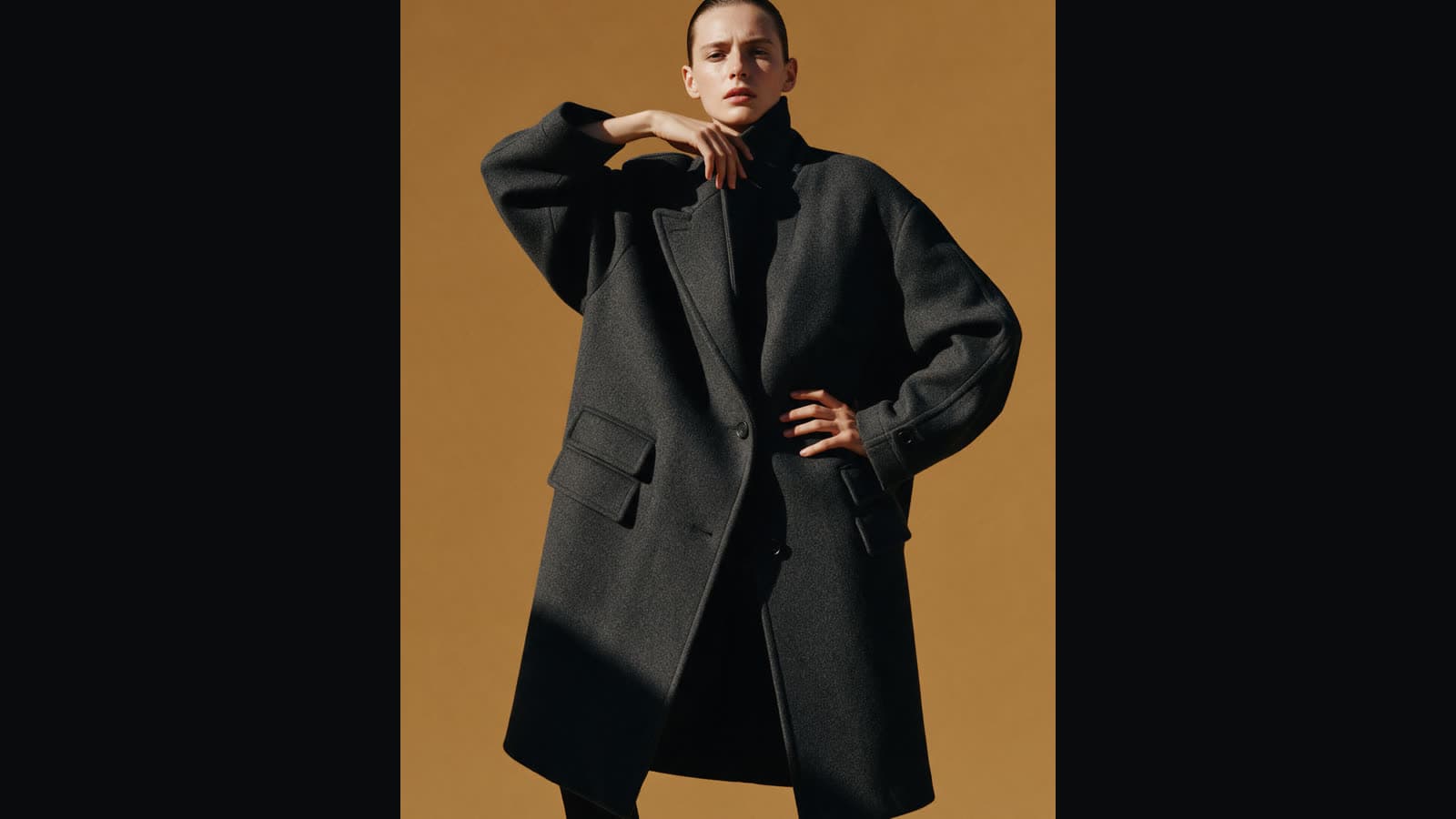
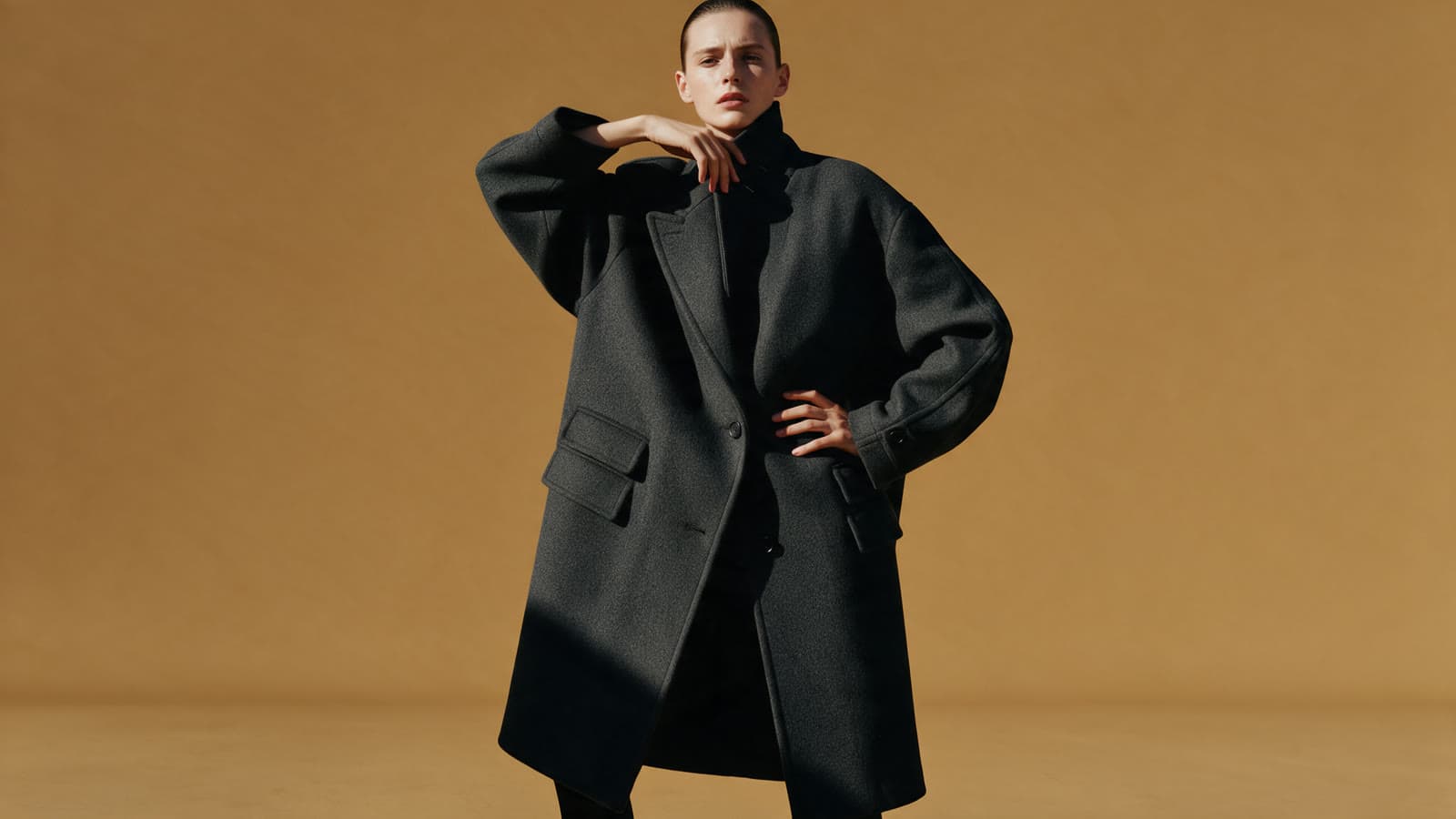 BeforeSample output
Image tool
Expand image
Upload an image and pick a new shape. The missing sides are filled in to match, so a tall portrait can become a wide banner.
3credits per run
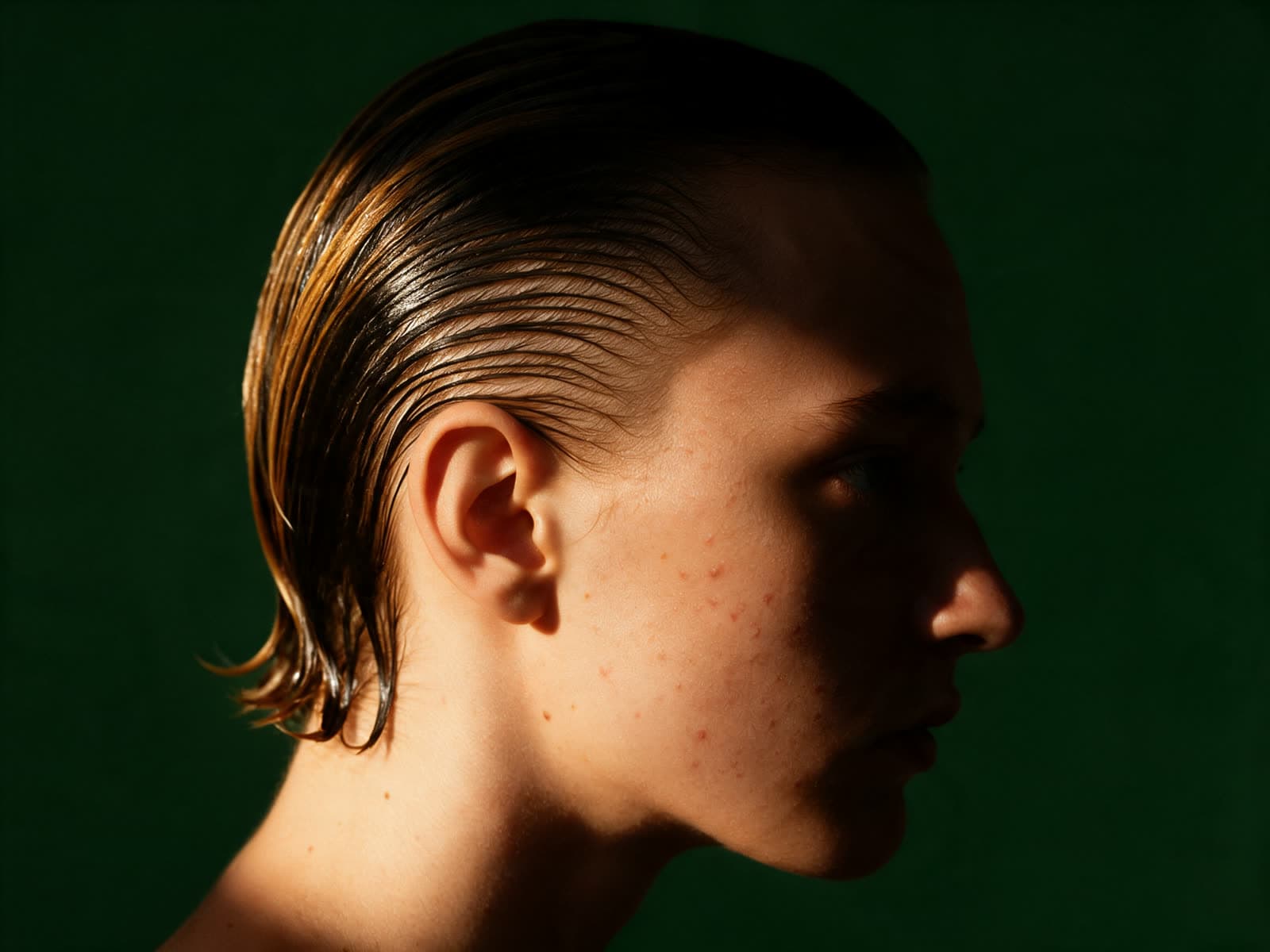
Example pair. Sample media made for this site. Drag to compare.
Your imageRequired
- This run
- 3credits
- Balance
Steps
How expand image works
- 01
Upload an image
- 02
Pick the new shape
- 03
Get the wider image
Sample outputImage ExpandRuns on
Image Expand
Upload an image and pick a new shape. The tool fills in the missing sides so a portrait can become a wide banner.
About this modelMore tools
Keep going
- PopularSample output
 PopularSample output
 NewSample output
 Sample output